![Steno_Shield_Logo_White_Transparent-1.png]](https://help.steno.com/hs-fs/hubfs/Steno_Shield_Logo_White_Transparent-1.png?height=40&name=Steno_Shield_Logo_White_Transparent-1.png)
- To find the materials of a completed job, you must first click on the respective job's detail page.
Navigating to Job Page
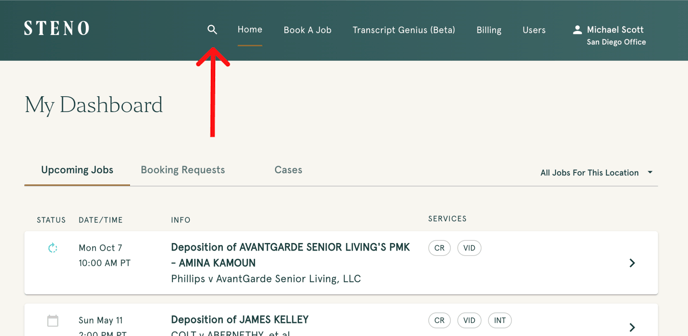
Search Bar
- You can easily find a job by typing a witness name in the search bar in the navigation header
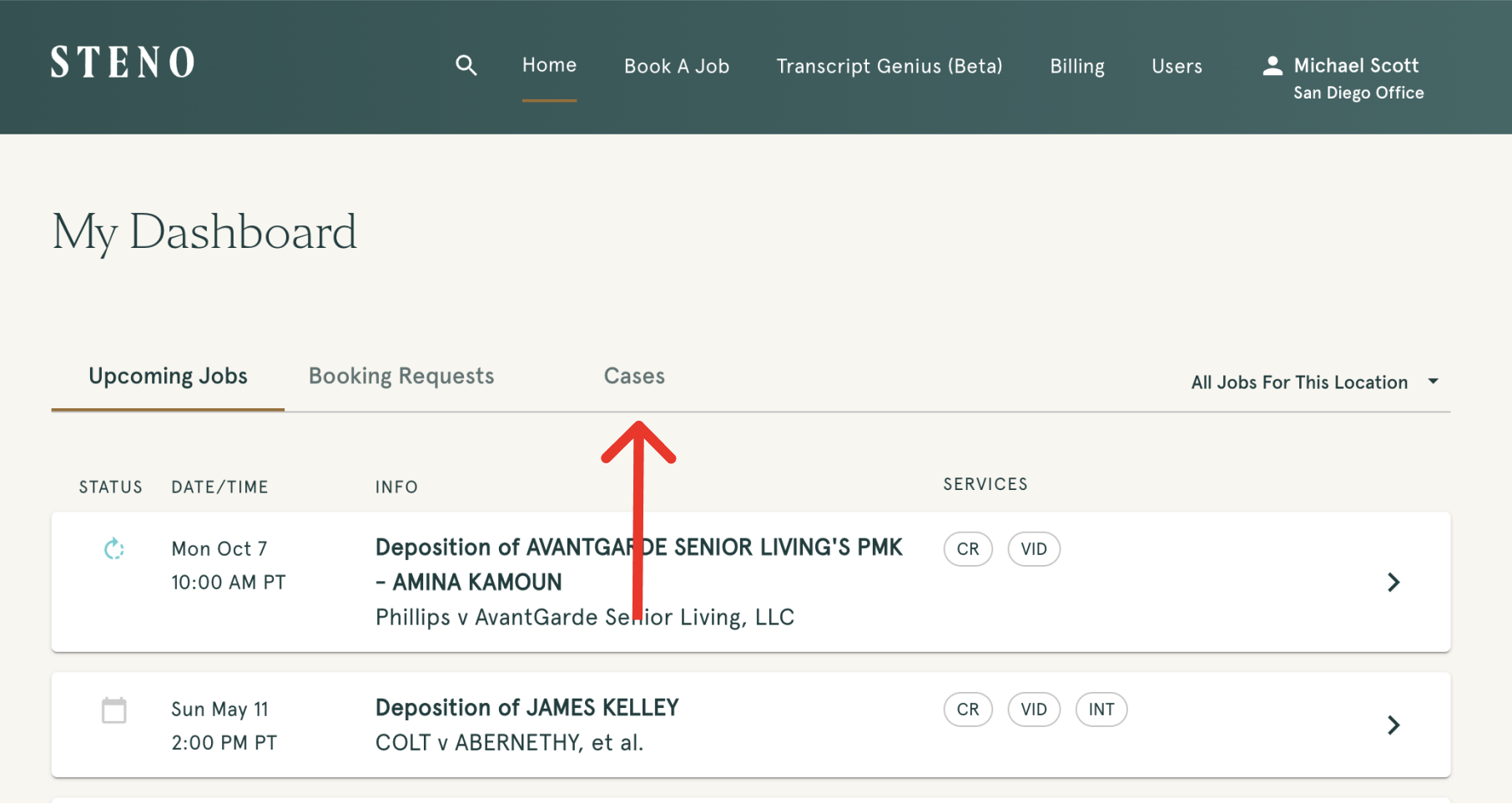
Cases Tab
- You can also find your completed jobs by selecting the
casestab on the home page
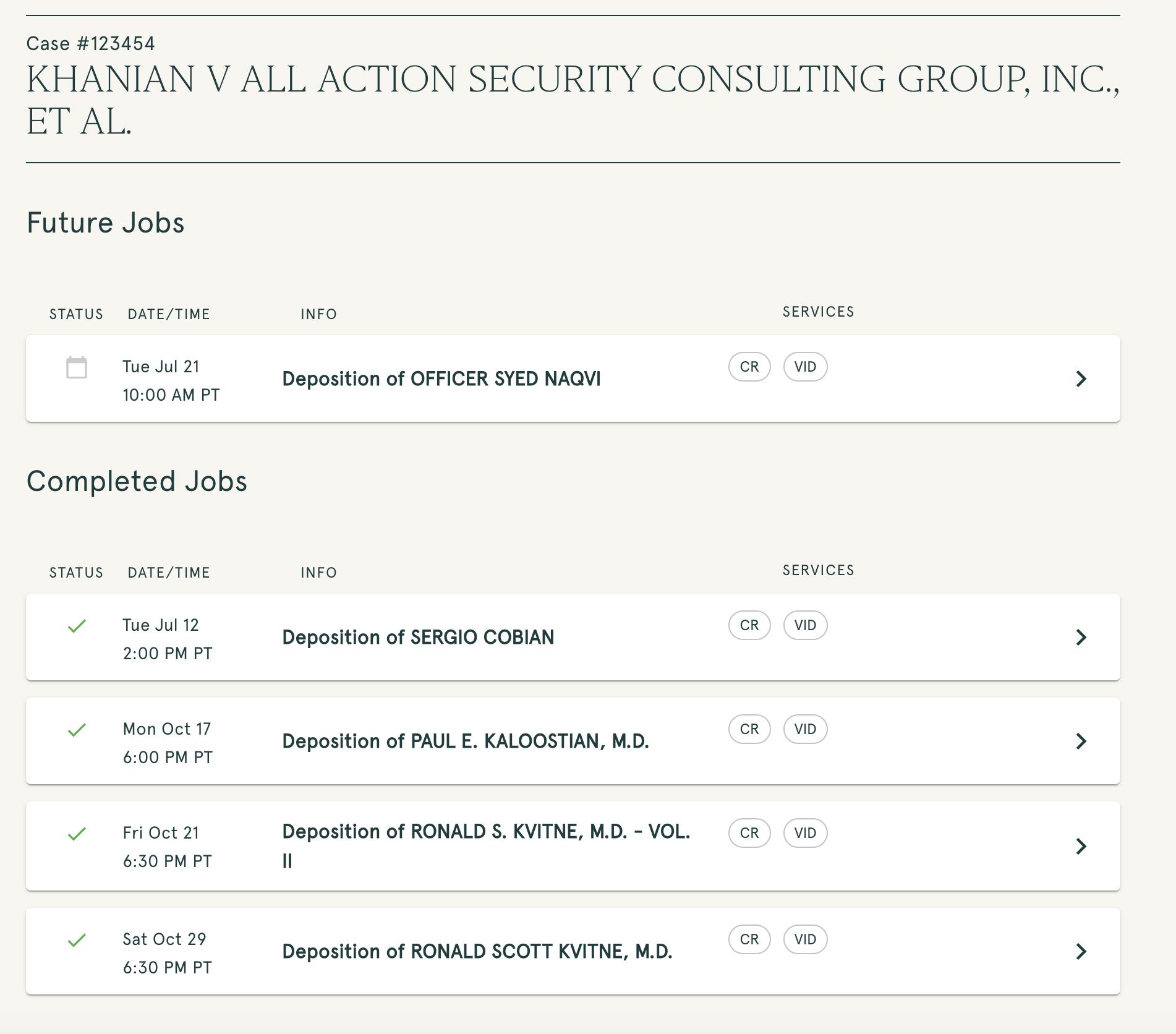
- Click on the case in question
- Then locate the completed job in the
completed jobssection
Job Details Page
- On the job details page, you'll be able to view all the materials you ordered by selecting on the different tabs in the file management section towards the bottom of the page
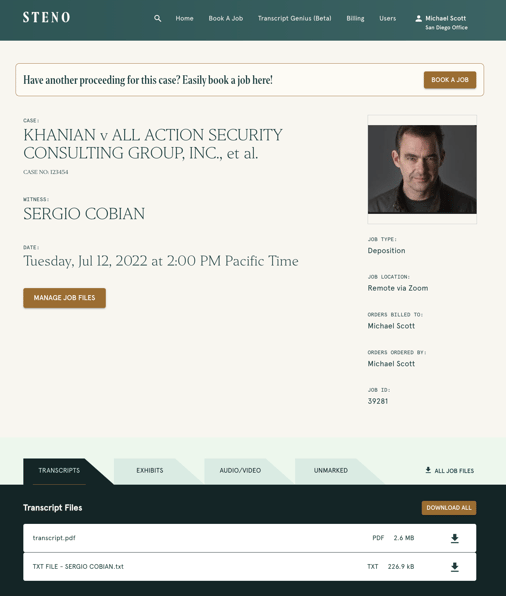
Exhibit Sorting
- Users have the ability to sort the files by clicking the
sort filesoption in the top right corner of the file section - The available sort options are shown below:
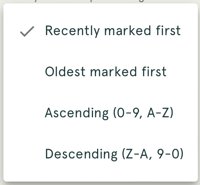
- The default option when you open the Firm Dashboard is
Recently marked first. Your last selected sort option will save but if you leave the job details page and come back, the sort will default back toRecently marked first